

Welcome Package
Up to £3800+ 300 Free Spins
Bonus terms & conditions apply.
QuinnBet Casino Mobile App: iOS and Android Apps for UK Players
Our free iOS and Android apps put the casino and the sportsbook in your pocket, and the mobile site does the same job in your browser if you would rather not install anything. Below you will find how to get set up, what each option gives you, how the cashier works on a phone and how to keep your play under control.
The QuinnBet Casino App
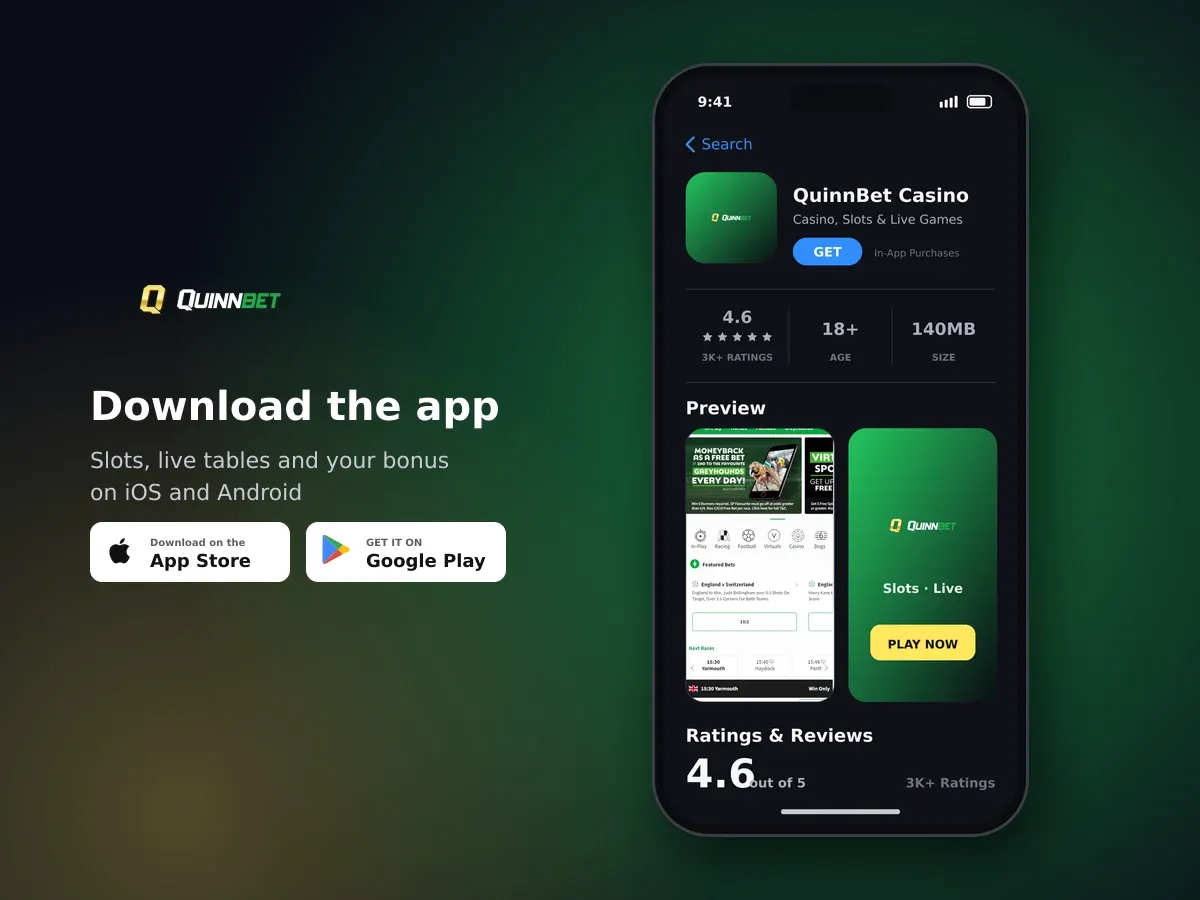
QuinnBet Casino
- 4.6 3K+ ratings
- 140MBSize
- 18+Age
- 20K+Downloads
What comes with our iOS and Android apps
Our mobile app is available for both iOS and Android, free from the Apple App Store and the Google Play Store. You install it once, sign in with the account you already use, and your balance, your open bets and your promotions are all there. Nothing is separate from the main site: one account covers the app, the mobile site and the desktop site.
- Free to download for iPhone and Android phones, with no charge inside the app
- Push notifications when a new promotion goes live, so you are not hunting for it
- Regular security updates delivered through the app store
- The casino and the sportsbook in the same place, with the same account and balance
- The full cashier, so you can top up and request a payout from your phone

Slots, jackpots and live tables
Push notifications are yours to decide on. Your phone asks for permission the first time you open the app, and you can switch the alerts off later in your phone's settings if you would rather check our promotions yourself.
Installing the app and getting ready to play
- Open your phone's app store
On an iPhone that is the Apple App Store; on an Android phone it is the Google Play Store. Search for QuinnBet and look for our listing.
- Install it
The download is free. The app is small, so it should not take long on a normal connection, and you can carry on using your phone while it installs.
- Sign in
Open the app and enter the username and password you already use. If you have not opened an account yet, tap Join Now and the app walks you through it; you need to be 18 or over and based in the UK.
- Choose your notifications
Allow push notifications if you want an alert when a promotion starts, or decline and nothing changes about the way the app works.
- Set your limits first
Before your first spin, open the responsible gambling tools in your account and set a deposit limit and a reality check. It takes a minute and it keeps your spending where you want it.
Keep the app updated through the store
Security updates and fixes reach you through the App Store or Google Play. Turning on automatic updates for the app means you always have the current version without thinking about it.
Prefer your browser? The mobile site does the same job
If you do not want another app on your phone, open QuinnBet Casino in your mobile browser instead. The site is built with HTML5 responsive design and scales to both smartphones and tablets, so buttons stay a sensible size and games fill the screen properly rather than shrinking a desktop layout down.
A sticky menu sits along the bottom of the screen. It keeps the game categories within thumb reach and lets you switch over to the sportsbook without scrolling back to the top. The full library of more than 3,200 games and the 150-plus live tables are reachable the same way they are on a computer.
The browser version uses no storage on your phone, which makes it handy on a tablet you share or when your phone is short of space. You can move between the app and the browser whenever you like, because both lead to the same account.
App or mobile browser: what each one gives you
| What you get | iOS and Android app | Mobile browser |
|---|---|---|
| Getting started | Free download from the Apple App Store or Google Play, then sign in | Open the site in your browser, nothing to install |
| Devices | iPhone and Android phones | Smartphones and tablets, with the layout scaling to the screen |
| Promotion alerts | Push notifications when a new promotion goes live | Our current promotions are there each time you open the site |
| Staying current | Security updates arrive through the app store | You always load the current version of the site |
| Cashier | Deposits from £10, credited instantly, no fees | Deposits from £10, credited instantly, no fees |
Topping up and cashing out from your phone
The cashier works the same in the app and in your browser. Deposits start at £10 and go up to £2,000 per transaction, they are credited instantly and we charge no fee on them. Card payments go through 3D Secure, so your bank may ask you to confirm the payment in its own app before the money lands.
| Method | Minimum | How quickly it credits |
|---|---|---|
| Visa, Mastercard, Maestro and Visa Electron debit | £10 | Instant |
| Apple Pay | £10 | Instant |
| Revolut | £10 | Instant |
| Skrill and Neteller | £10 | Instant |
| Bank transfer | £10 | Instant |
Monzo is available to our UK customers as well. Payouts start at £10, carry no fee and go back to the method you deposited with, and we process every request within 24 hours of you sending it. The cashier shows what applies to your method when you get there.
Why a push notification is worth switching on
Our promotions change through the week, and none of them needs a bonus code: you qualify by meeting the terms, not by typing anything in. A push notification simply tells you when something new is live so you can look at the terms and decide whether it suits how you play.
Welcome Package: up to £3,800 + 300 Free Spins
New players only. Deposit from £10, 35× wagering on bonus funds, £5 maximum bet per round and 30 days to use it. 18+, terms apply.
How we protect your account and your money on mobile
We are licensed and regulated in Great Britain by the Gambling Commission under account number 061011-R-335683-004. That applies to everything you do with us, whether you are on the app, the mobile site or a computer.
Every connection is secured with 256-bit SSL encryption supplied by GlobalSign, and 3D Secure technology covers payment transactions. Game outcomes are produced by a random number generator that is tested independently, and we hold a certificate from the Independent Betting Adjudication Service. We also verify identity before a first withdrawal is processed, which is normal practice for a licensed operator and protects your money as much as it protects us.
- Use your phone's screen lock, and keep your password to yourself
- Only install the app from the Apple App Store or the Google Play Store
- Let your bank's 3D Secure prompt complete before you close the screen
- Keep your contact details current so we can reach you about your account
Staying in control when the casino is in your pocket
A phone is always to hand, which is exactly why the limits matter. Inside your account you can set a deposit limit, start a time-out, turn on reality checks that remind you how long you have been playing, and self-exclude. All of it works from the app and the mobile site.

Join today and claim your welcome bonus
We also link straight through to GAMSTOP, BeGambleAware and GamCare if you want support or a wider block that covers more than one operator. Our games are entertainment, you can lose the money you stake, and nobody should be playing with funds they need for something else. You must be 18 or over to hold an account.
Set your deposit limit before the first deposit, not after
A limit you set in advance decides what you can spend for the period you choose. It is far easier to pick a figure calmly at the start than in the middle of a session.
Getting help without putting the phone down
Live chat is open 24 hours a day in English and you reach it from the footer of the site or from the app. The typical wait to get an agent is around a minute, so most questions about a deposit, a promotion or a game are settled while you are still on the screen you were using.
If your question is not urgent, email works too and we answer within 24 hours. Have your username ready, and tell us which phone and which version of the app you are using when the question is about the app itself. There is also a help section on the site covering the things players ask most.
If the app will not load or a game stalls
Most mobile hiccups come down to the connection, the amount of free space on the phone or an app version that is a step behind. Work through these before you do anything drastic.
- Check the App Store or Google Play for a pending update to the app and install it
- Swap between wi-fi and mobile data to see whether the connection is the problem
- Close the app completely and open it again rather than leaving it in the background
- Free up some storage if your phone is nearly full, then restart it
- Open the mobile site in your browser as a quick way to carry on in the meantime
- If it still misbehaves, start a live chat and tell us your phone model and what you were doing
If a game drops out mid-round, do not keep reopening it. Sign back in, let the game load fully and check your balance and history first, then contact live chat if something does not look right.